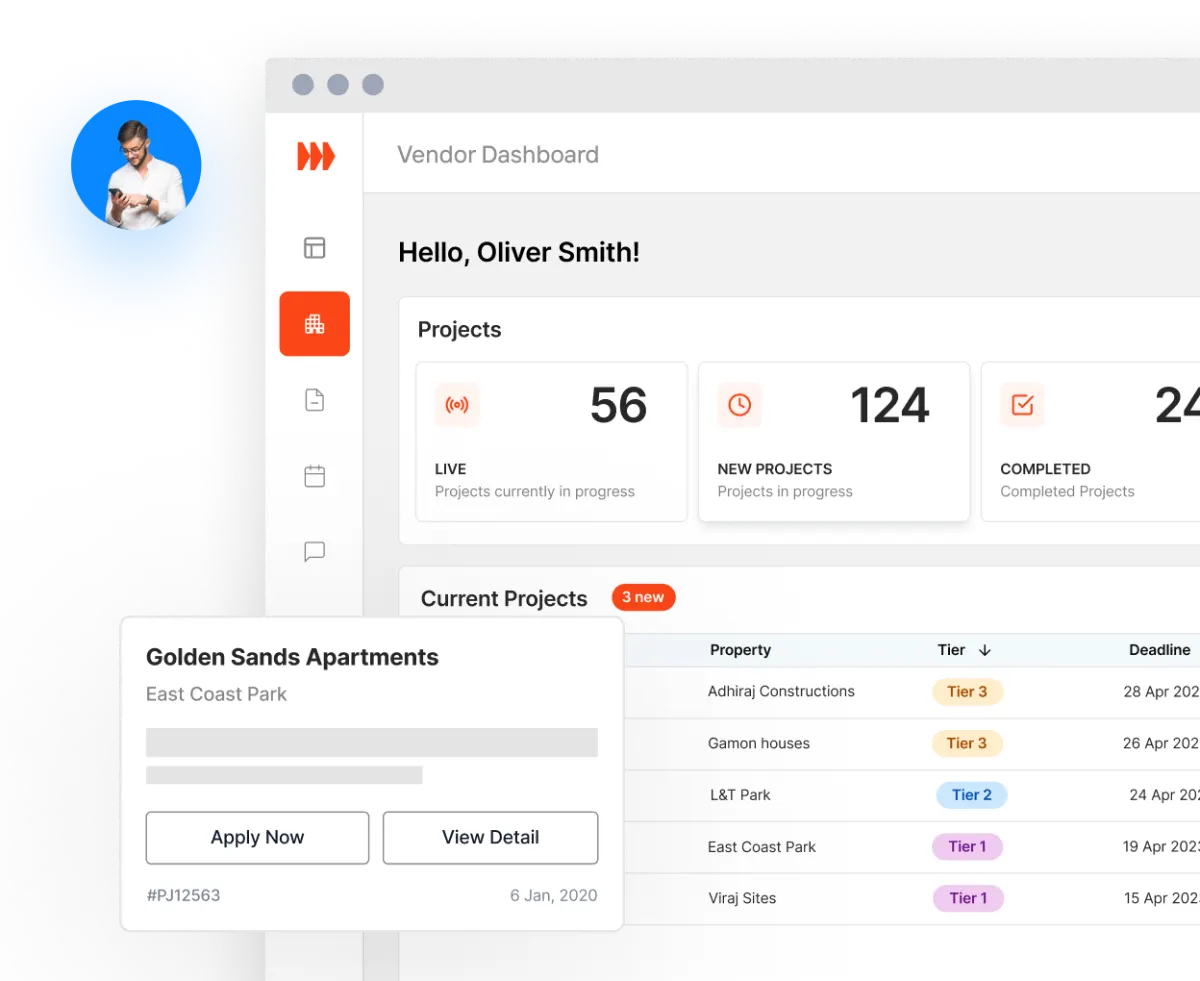
How do I apply for projects using the Vendor Dashboard?
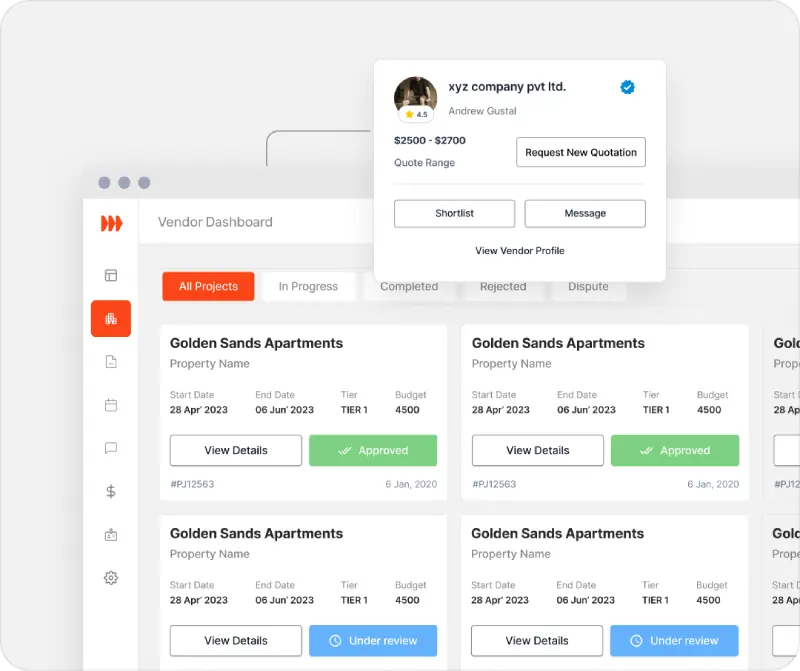
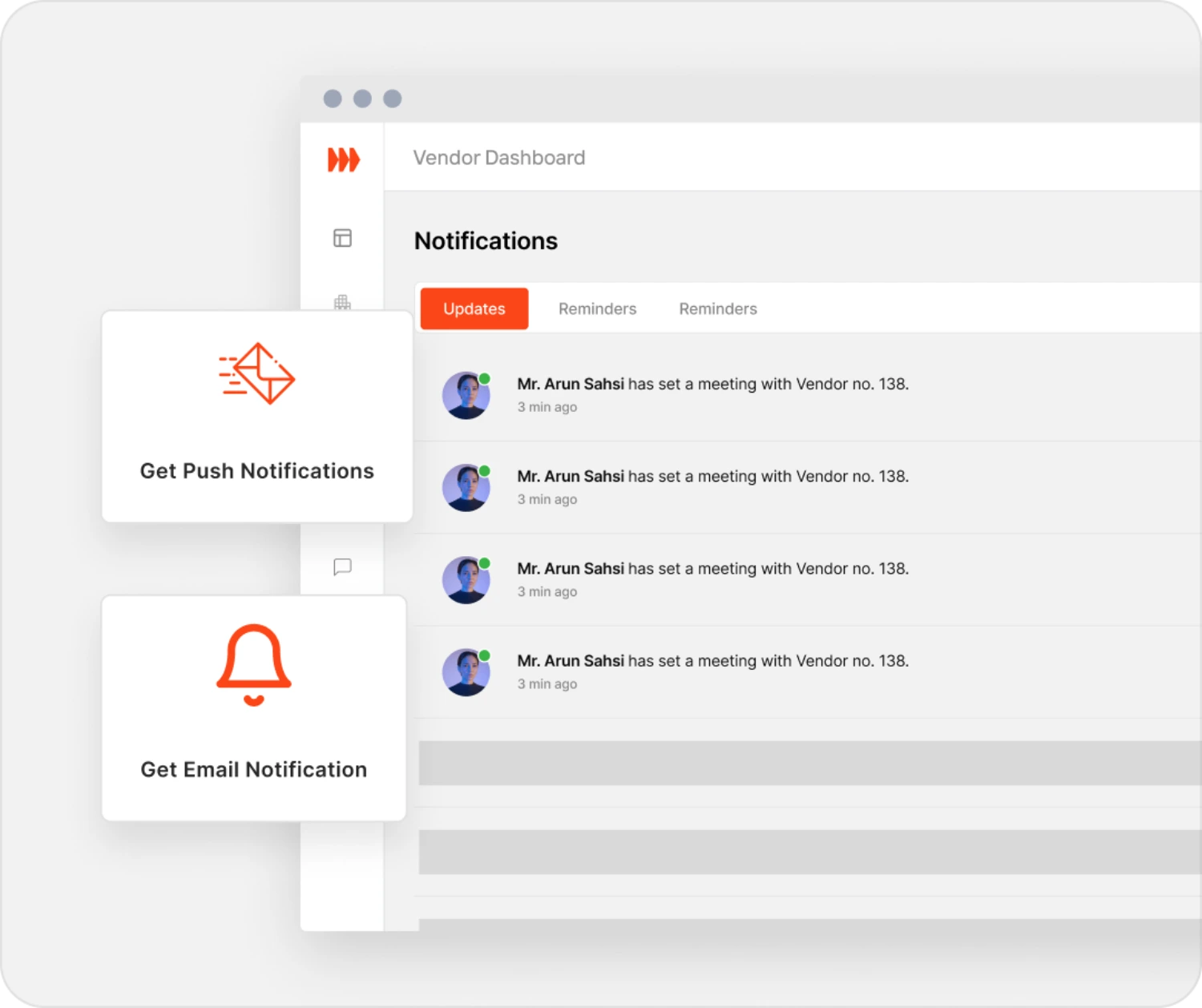
When a project needs one of your services, you get an email and an in-app alert. Show interest; if the manager shortlists you, book a site visit and send your quote. Each project's status is on your dashboard.
Can I communicate and collaborate with project managers and other stakeholders through the Vendor Dashboard?
Yes. Once a manager shortlists you, you can message them, and every awarded project has its own chat with the manager.
How does the Vendor Dashboard help me track project progress and milestones?
Tick off each milestone as you finish it and post photo updates, so the manager sees progress on the project page.
Is there a feature to showcase my work to potential clients and project managers?
Yes. Save photos from your job updates to Work Images. Managers see them, with your past projects and ratings, on your profile.
Can I create and send invoices directly through the Vendor Dashboard?
Yes. When the work is done, submit your invoice from the project. The property's accounts-payable contact pays you directly and records the payment on the project, then you confirm when it arrives. Stratalite doesn't process payments.