Ratings both ways
Once a job is signed off, the manager and the vendor rate each other on four criteria.

For strata and property managers in BC and the trades they hire. Post a project, get quotes, and keep site visits, milestones, invoices and payment records in one place.

Once a job is signed off, the manager and the vendor rate each other on four criteria.
Share any project with owners, council or accounts payable. They can follow it without logging in.
Each building keeps its projects, invoices and payment records, with spending reports by building.
One platform, two dashboards: one for vendors, one for property managers.
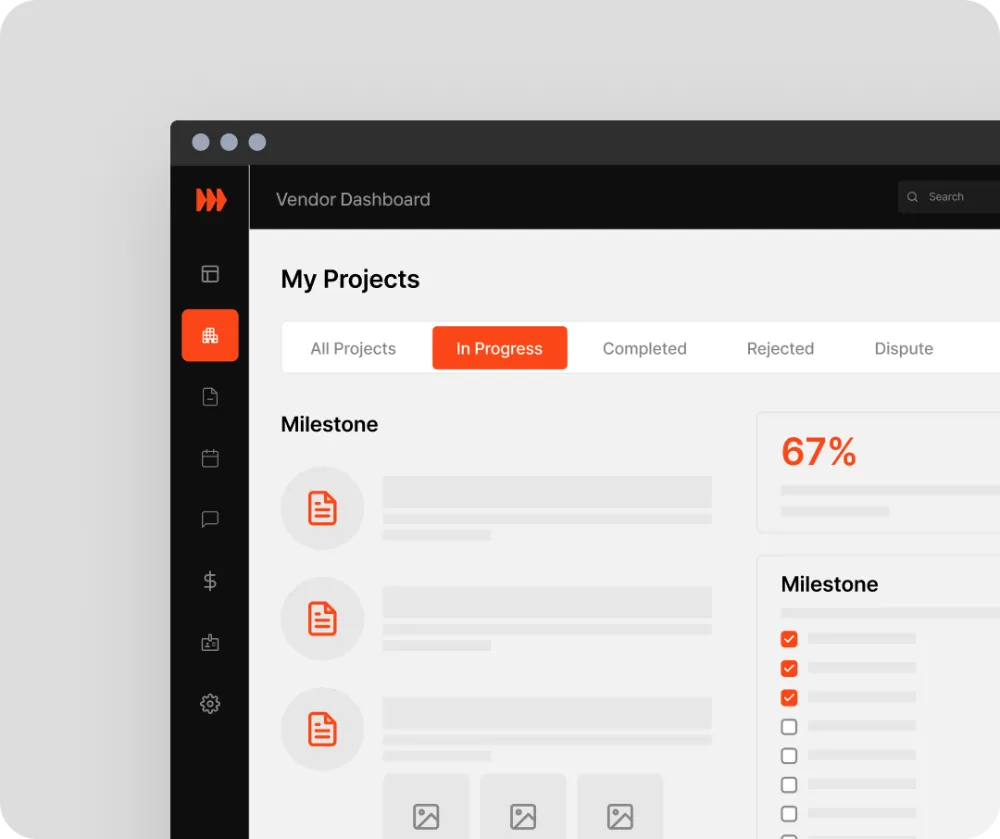
Collaboration hub: vendor dashboard
Get an email and in-app alert when a project needs your services, and show interest.
Once a manager shortlists you, book a site visit and send your quote. Milestones, photos, chat and your invoice stay on the job.
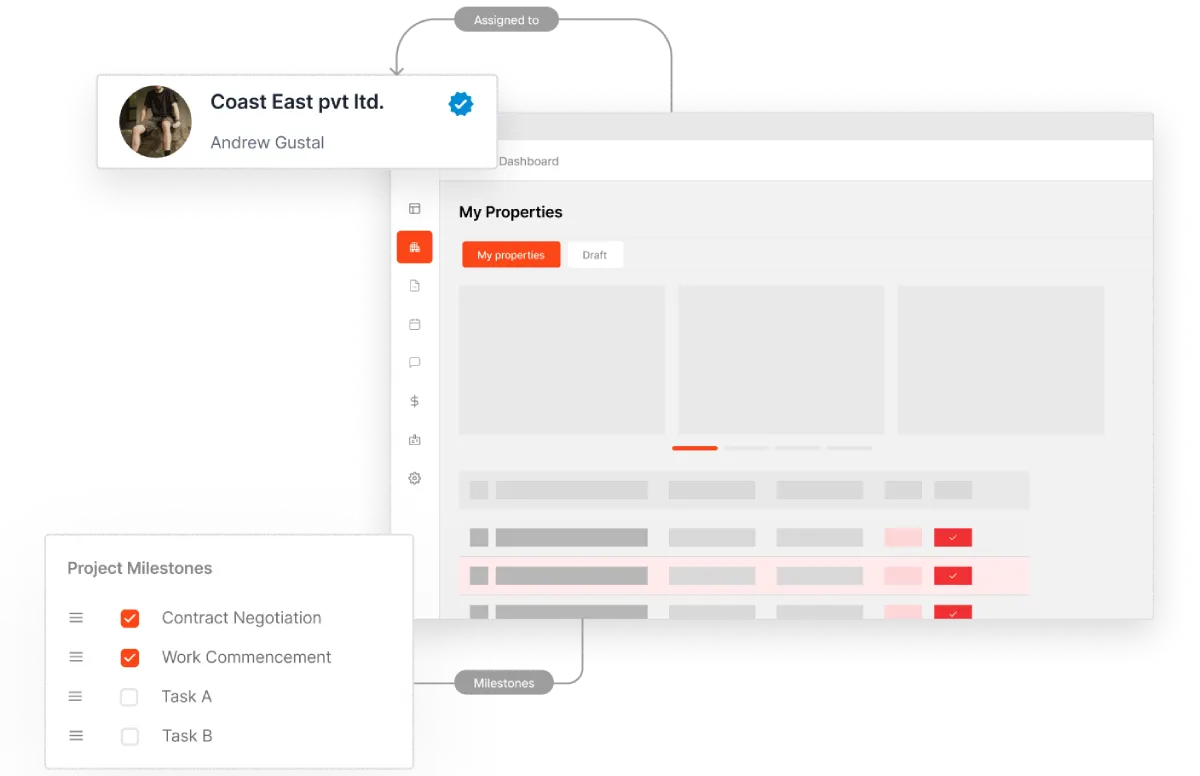
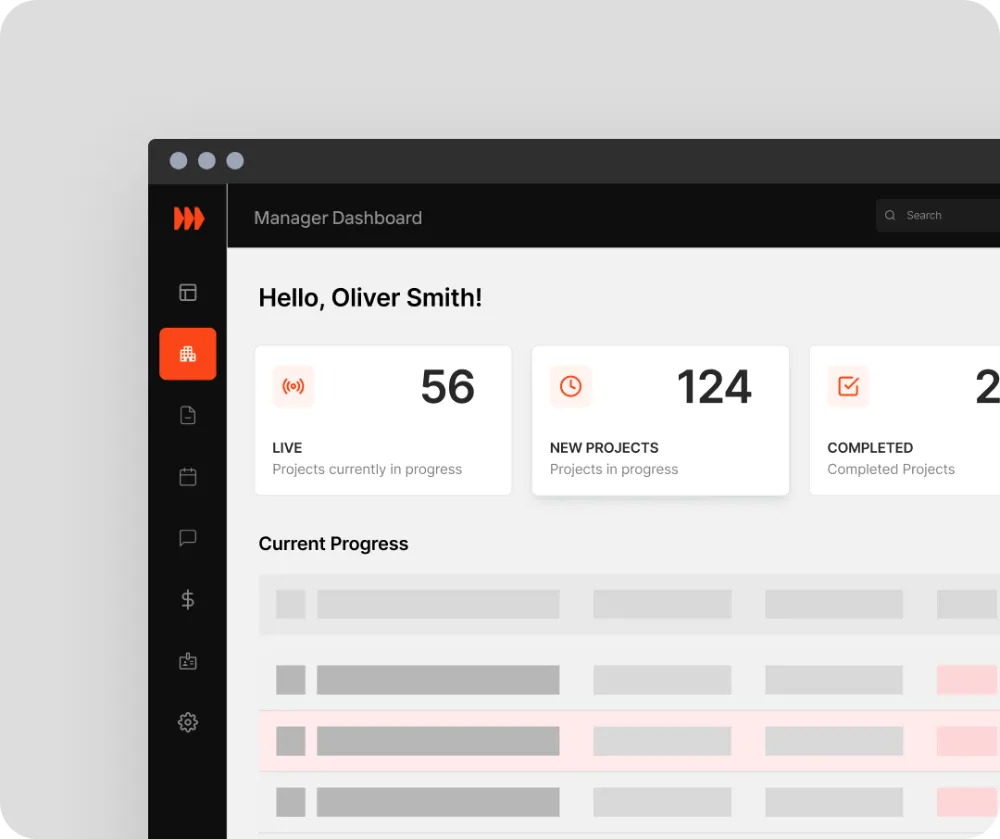
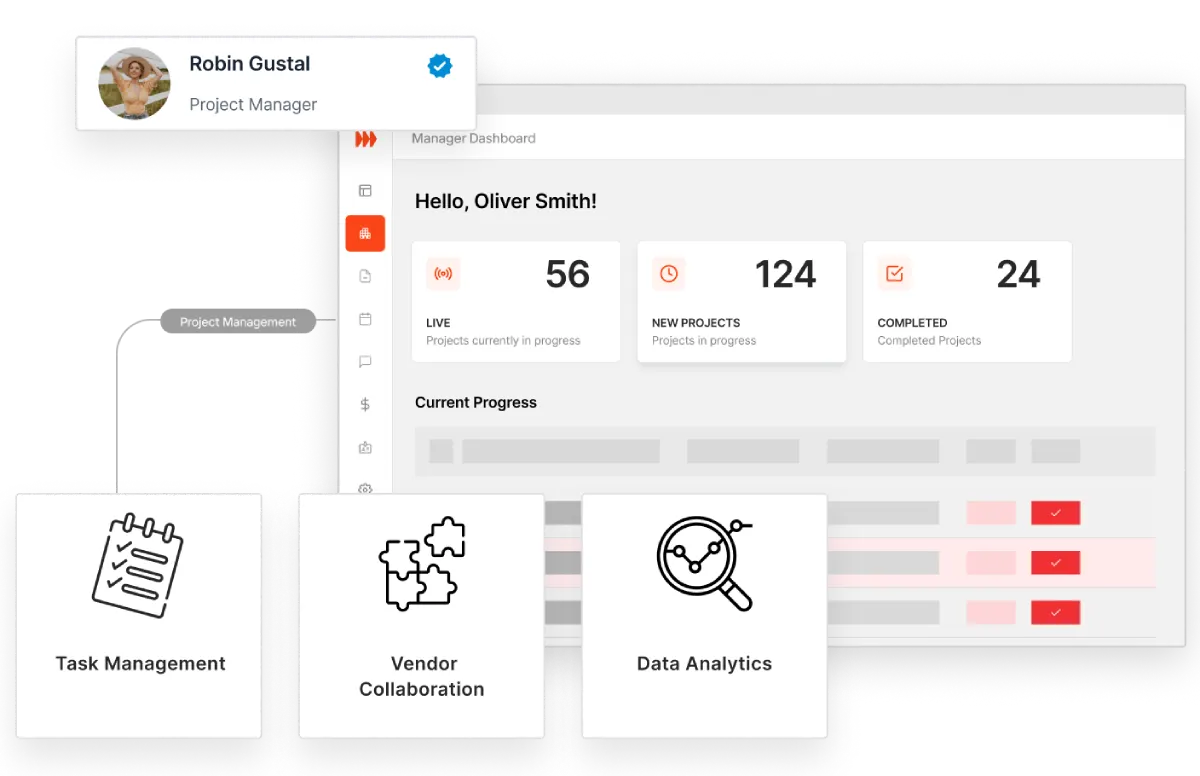
Control centre: manager dashboard
Post a project, shortlist vendors, see every quote and award the job.
Milestones, photos, invoices and payment records stay on one page you can share with council or accounts payable.
Vendors can add their GST, WorkSafeBC and insurance details to their profile, and managers can ask to see the documents.

Stratalite approves vendor accounts before they can show interest in a project.
Vendors can add their GST number, WorkSafeBC (WCB) number and liability insurance certificate with its expiry date.
When insurance expires, the vendor gets reminders, and managers who have access see that it has expired.
Four steps from sign-up to your first project.
Step 01
Sign up as a manager, a management company or a vendor.
Step 02
Verify your email and complete your profile. Vendors can add their GST, WCB and insurance details.
Step 03
Our team approves new vendor, manager and company accounts before they can post projects or quote.
Step 04
Managers post a project; vendors with matching services get an alert.
What managers and vendors do on Stratalite.
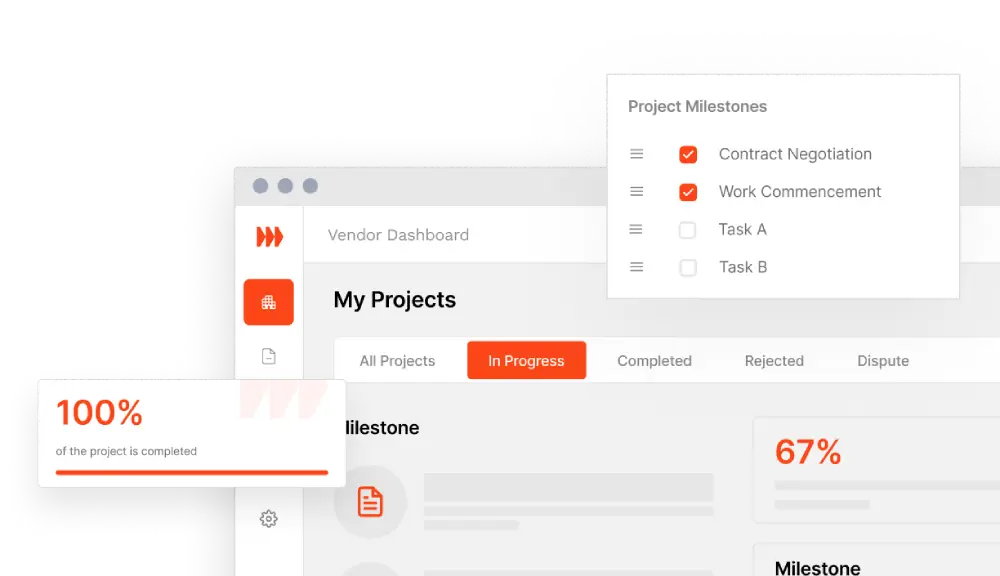
Vendors see every project they're working on, and where each one stands, on one dashboard.
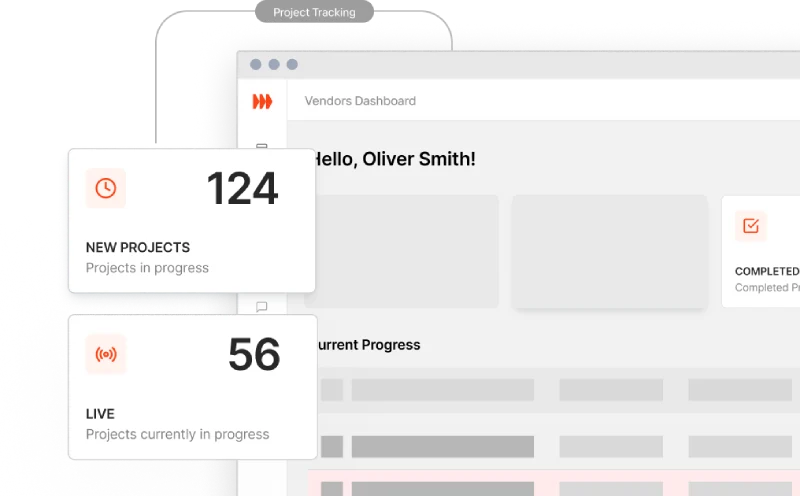
Share any project with owners, council or accounts payable. They follow its progress without logging in.
Shortlisted vendors book a site visit inside the manager's hours, and visits and meetings land in both calendars.
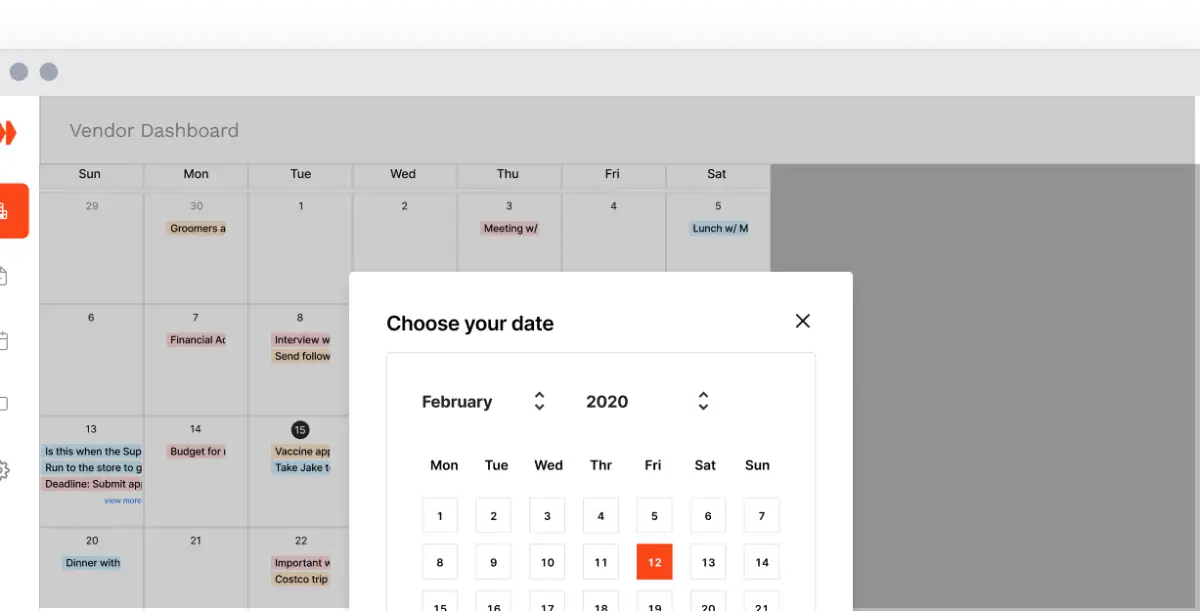
Vendors tick off dated milestones with photo updates, then submit the invoice when the work is done.
Questions about setting up or bringing your vendors on board? Send us a message and our team will reply by email.
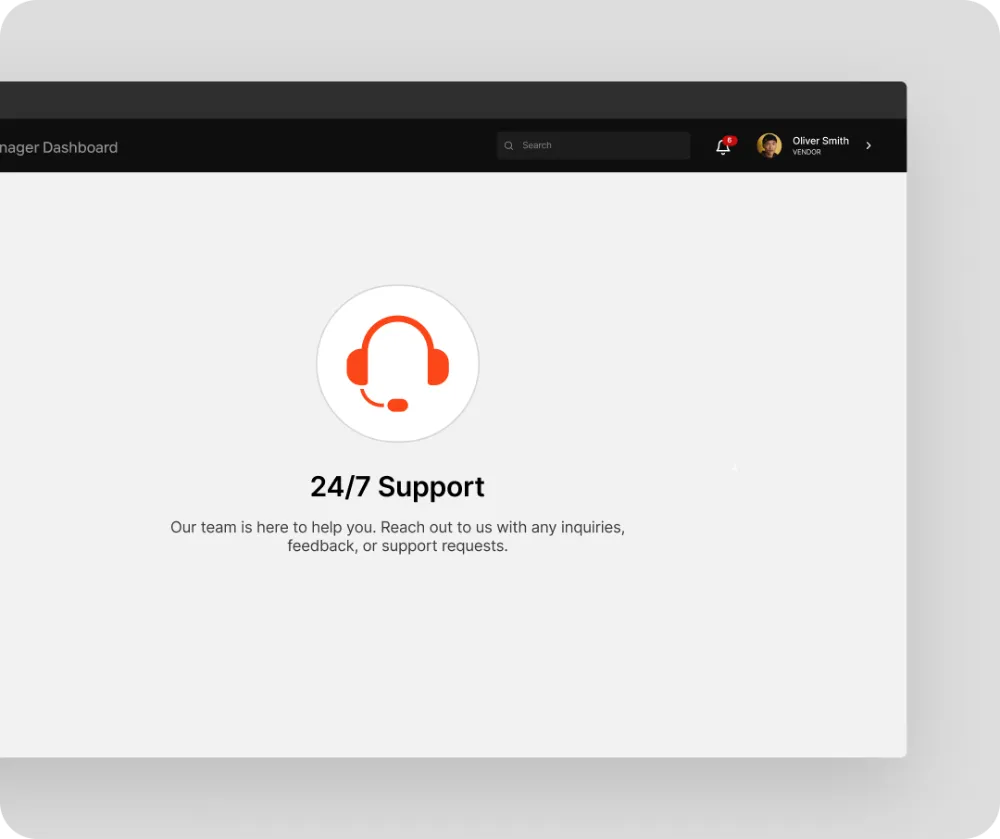
Have questions? We're here to help.
Post a project with line items, a budget, a quote deadline and the hours a vendor can visit. Shortlist vendors, award the job, then follow its milestones, photos and invoice on one page.
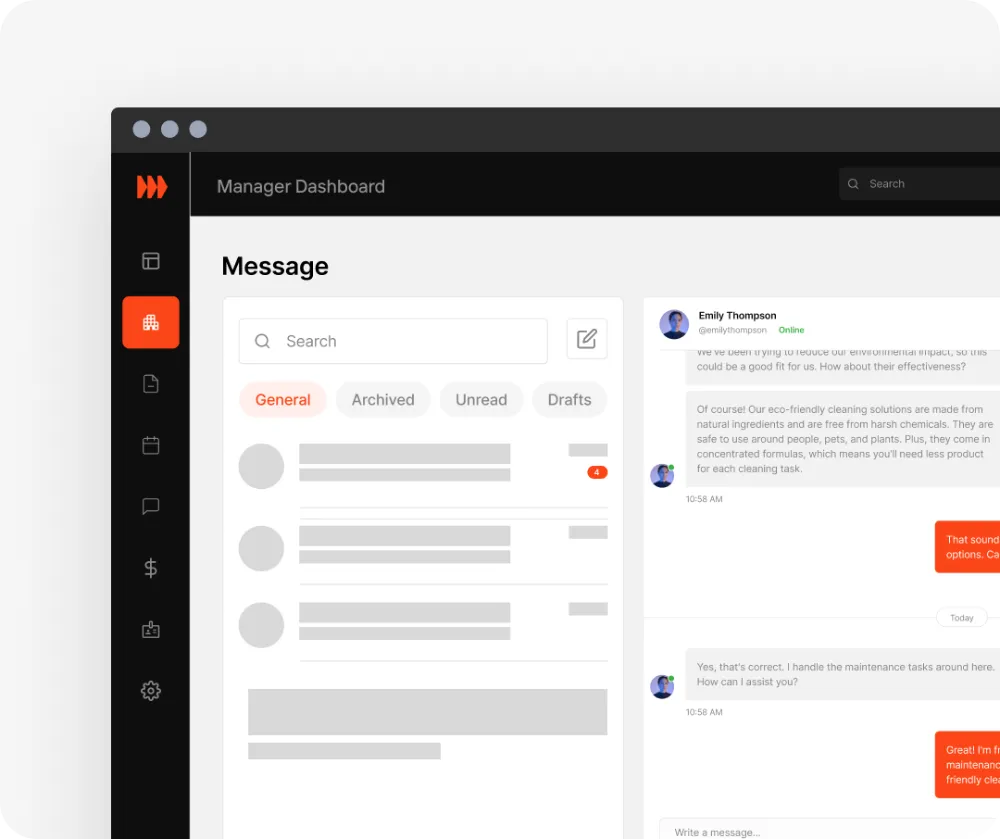
Message the vendors you work with, schedule meetings and site visits, and see their milestone and photo updates on each project.
Yes. Raise a support ticket from your account and the Stratalite team answers it, or email info@stratalite.ca.
Add the buildings you manage, then post projects for each one. In a management company, the company can assign buildings to you.
Yes. You can run many projects across many buildings, and see what each building spends.