Getting set up
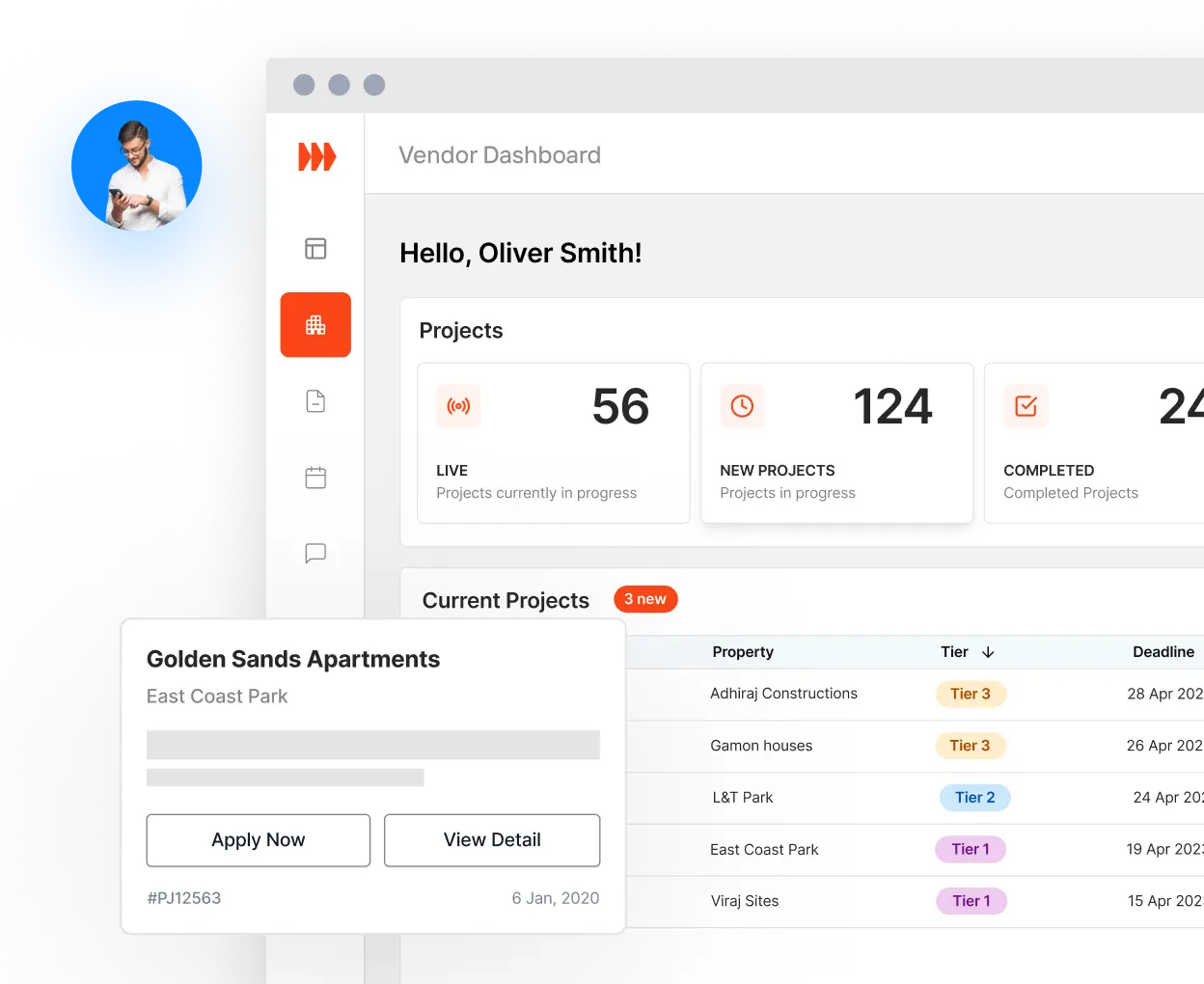
Your dashboard: projects, vendors, messages and reports in one place.
Your profile: add your details so vendors know who they're working with.

For managers
Post a project, shortlist vendors, award the job, and keep milestones, invoices and payment records on one page.
From posting a project to the payment record.
Your dashboard: projects, vendors, messages and reports in one place.
Your profile: add your details so vendors know who they're working with.
Post projects: once your account is approved, a project goes to vendors with matching services as soon as you post it.
Add properties: keep each building's projects together.
Work with vendors: messages, meetings and site visits.
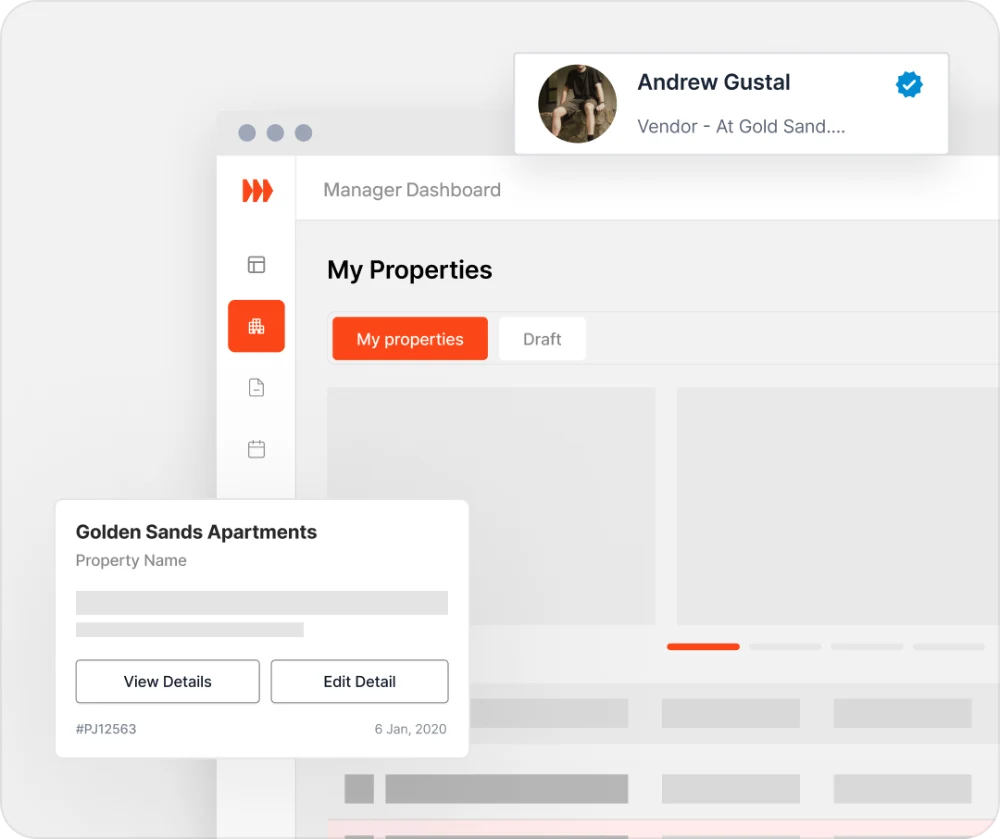
Shortlist vendors: pick the vendors you want to quote; they can then book a site visit.
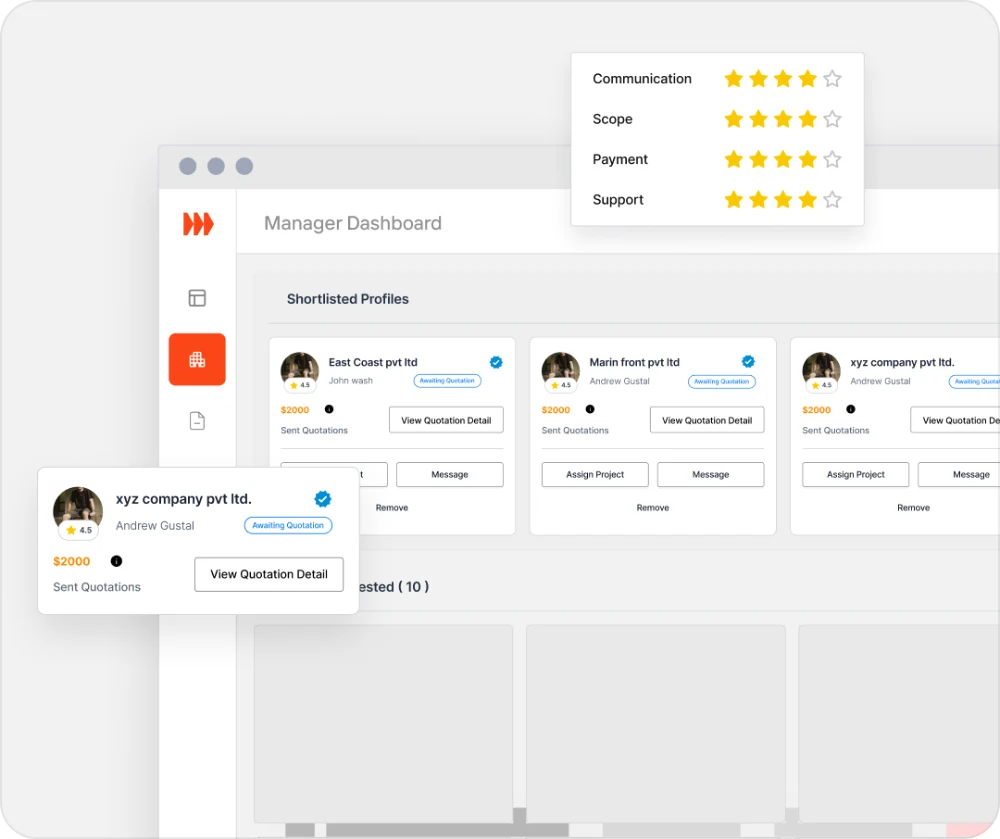
Quotes: ask for changes with a counter-quote, then accept one.
Award the job: accept a quote and assign the project. The other bidders are told.
Rate vendors: rate the vendor on four criteria once you sign the job off.
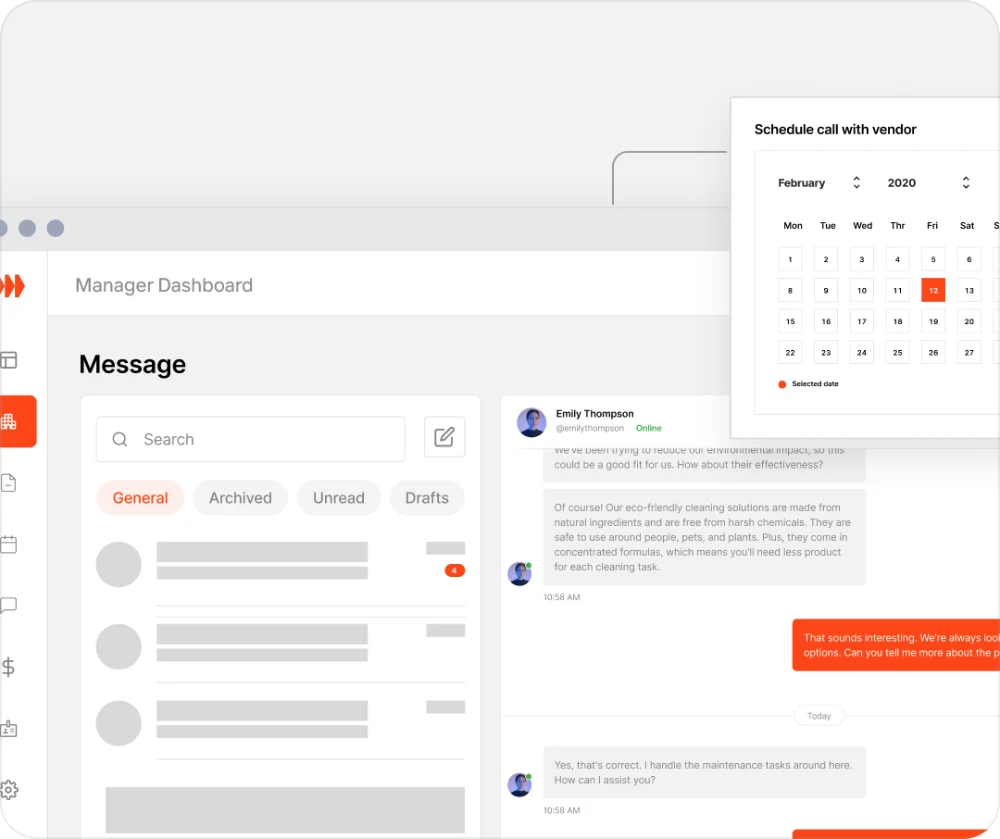
Messaging: talk with your vendors and your team.
Meetings: schedule meetings, and they land in everyone's calendar.
Support tickets: raise one from your account, and the Stratalite team answers it.
Email and phone: info@stratalite.ca or +1 236 990 3786.
Built for strata and property managers in BC.
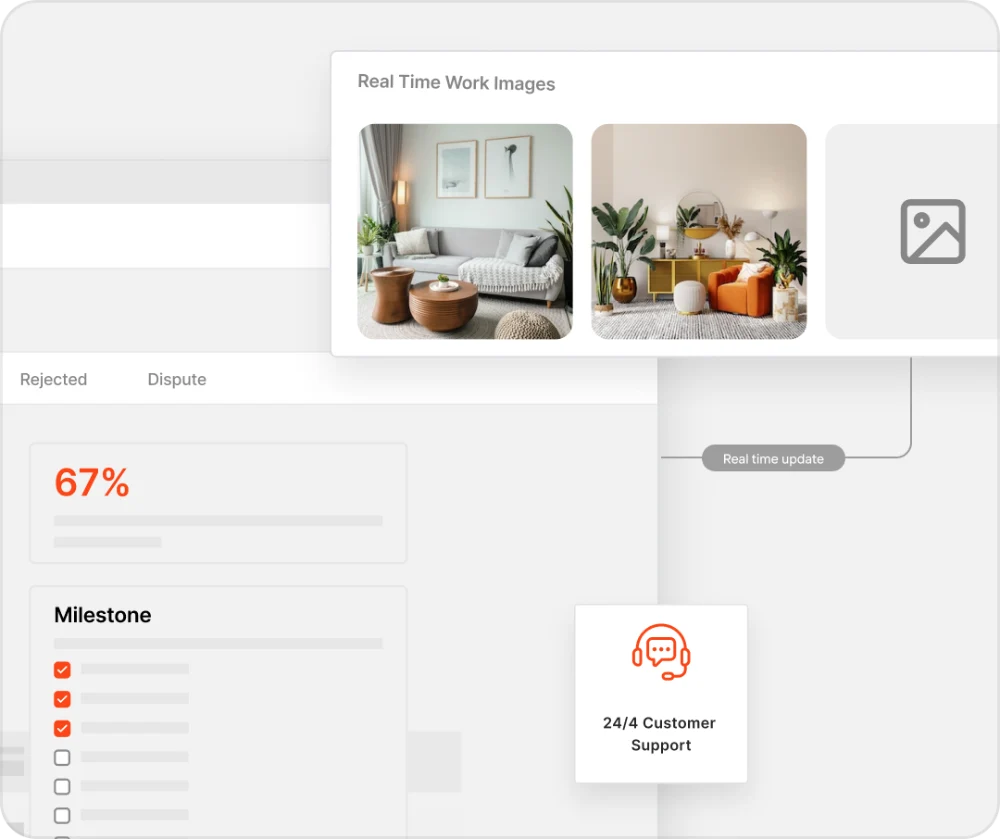
Post, track and close projects, with milestones, photo updates and chat on each one.
Message vendors, schedule meetings and site visits, and see their updates on the project.
See what each building spends, by trade and by vendor, and download PDF reports for owners or council.
Raise a support ticket from your account, and the Stratalite team answers it.
Message vendors, schedule meetings and share project updates.
Exchange messages, schedule meetings, and receive email and push notifications for important project events.
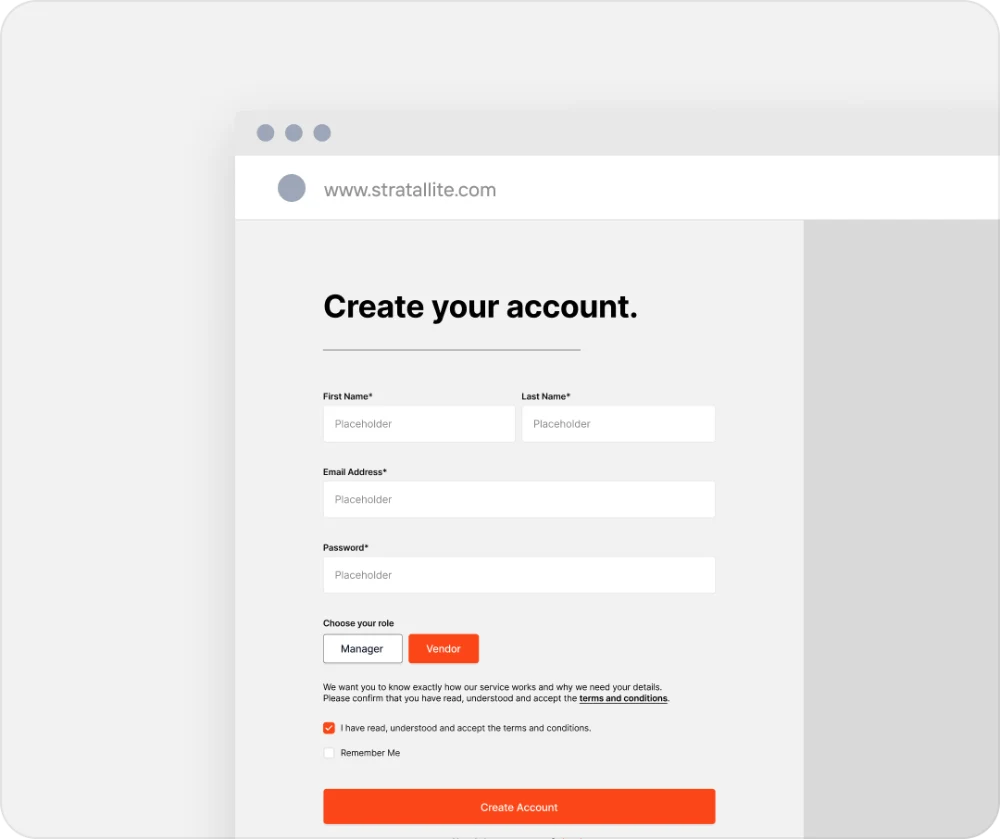
Create a manager account, or talk to us first.
Have questions? We're here to help.
Post a project with line items, a budget, a quote deadline and the hours a vendor can visit. Shortlist vendors, award the job, then follow its milestones, photos and invoice on one page.
Message the vendors you work with, schedule meetings and site visits, and see their milestone and photo updates on each project.
Yes. Raise a support ticket from your account and the Stratalite team answers it, or email info@stratalite.ca.
Add the buildings you manage, then post projects for each one. In a management company, the company can assign buildings to you.
Yes. You can run many projects across many buildings, and see what each building spends.